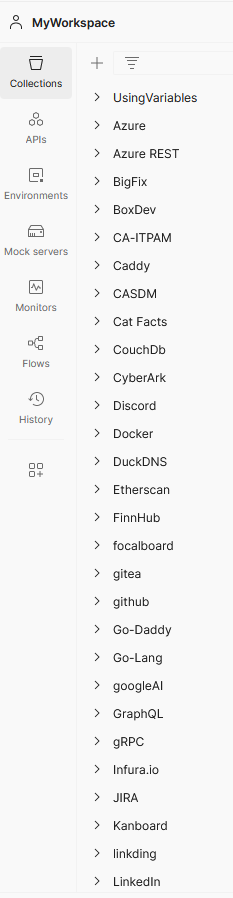
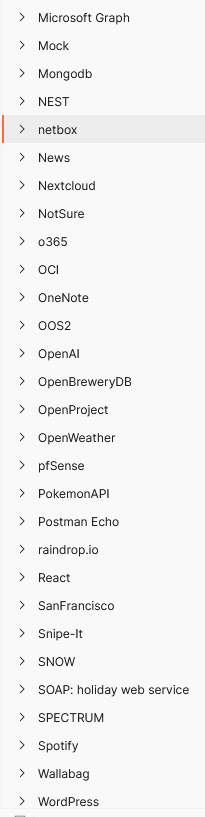
Recently I’ve been having trouble getting Postman desktop app to load. It keeps giving the following “Unable to load data” error:
<strong>To clear cache and data in Postman Desktop</strong>, follow these steps:

1. Sign Out:
      If you’re currently signed in to Postman, sign out.
      This step ensures that your data won’t be lost during the process.
2. Locate the Cache and Data:
      The exact location of cache and data may vary based on your operating system.
      Here are the common paths:
      Windows:
         Navigate to C:\Users\<YourUsername>\AppData\Local\Postman.
         Delete the Cache and IndexedDB folders.
      macOS:
         Go to ~/Library/Application Support/Postman.
         Remove the Cache and IndexedDB folders.
      Linux:
         Find the ~/.config/Postman directory.
         Delete the Cache and IndexedDB folders.
3. Restart Postman:
   Launch Postman again.
   Sign in if necessary.
I only had to do steps 1 & 3 for it to work again.
I have been a long-term user of Postman for API management!
Postman Workspace Collections
However, given the amount of time and effort put into these collections, I am working to find a self-hosted solution similar to how I self-host Gitea as my personal backup for Github.
I am off to a good start following the AIO installation of Hoppscotch (open-source community edition)
I started with the default .env file provided.
After creating the .env file and pointing to my Postgres
docker run -p 3000:3000 -p 3100:3100 -p 3170:3170 --name hoppscotch1 --env-file .env --restart unless-stopped hoppscotch/hoppscotch

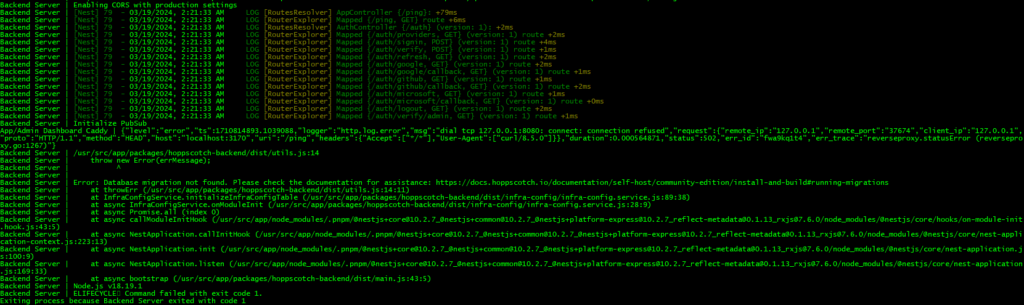
Building the container would fail and just keep restarting over and over.
Initial docker run would fail…
<a href="https://docs.hoppscotch.io/documentation/self-host/community-edition/install-and-build" target="_blank" rel="noopener" title="">** IN THE INSTALL DOCUMENT THEY MENTION THIS ERROR **</a>

Researching web, I also found this github <a href="https://github.com/hoppscotch/hoppscotch/issues/3696" target="_blank" rel="noopener" title="">issue</a> which shows how to run container interactively while bypassing the normal entrypoint with sh.
------------
docker run <strong>-it</strong> -p 3000:3000 -p 3100:3100 -p 3170:3170 <strong>--entrypoint sh</strong> --name hoppscotch1 --env-file .env --restart unless-stopped hoppscotch/hoppscotch
------------
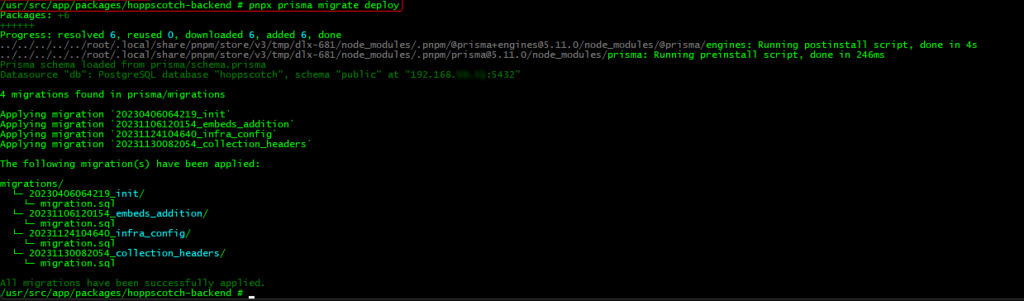
TO MANUALLY FIX DATABASE, RUN THE FOLLOWING:
<strong>prisma migrate deploy</strong>
Notice the -it for interactive and the –entrypoint sh to by-pass directly to sh